How to check business name availability across domains and social
A practical walkthrough of how to check whether your business name is available across domains and social media platforms, including which compromises are okay and which actually hurt the brand.
Last updated April 29, 2026
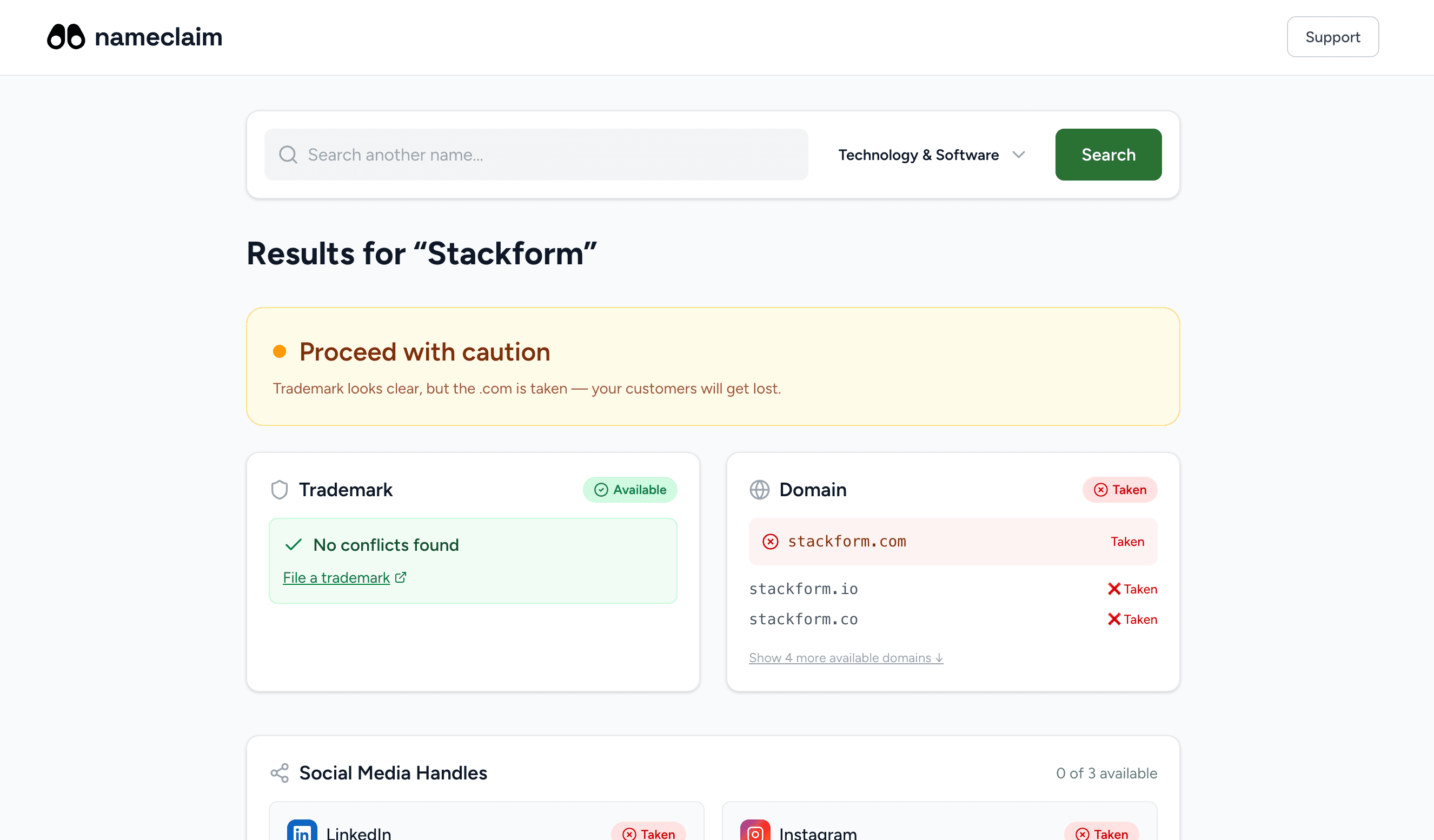
By the time most founders check whether their social handles are available, they've already registered the .com. That's how you end up needing different variations of your handle on every platform, after picking a name that was perfect on the domain but inconsistent everywhere else.
The fix is doing all three checks (domain, social, secondary handles) before committing to the name, not after.
If you haven't verified the name is legally available, start with the trademark search guide first, or jump to the USPTO walkthrough if you already know you need to search. This guide assumes the trademark side is handled and focuses on the rest of the digital footprint.
If you're forming an LLC specifically, the LLC name availability check guide walks through the state Secretary of State plus federal trademark layer in 20 minutes, which complements the domain and social work below.
What "available" actually means
A business name has a digital footprint that lives in three layers, each with different rules.
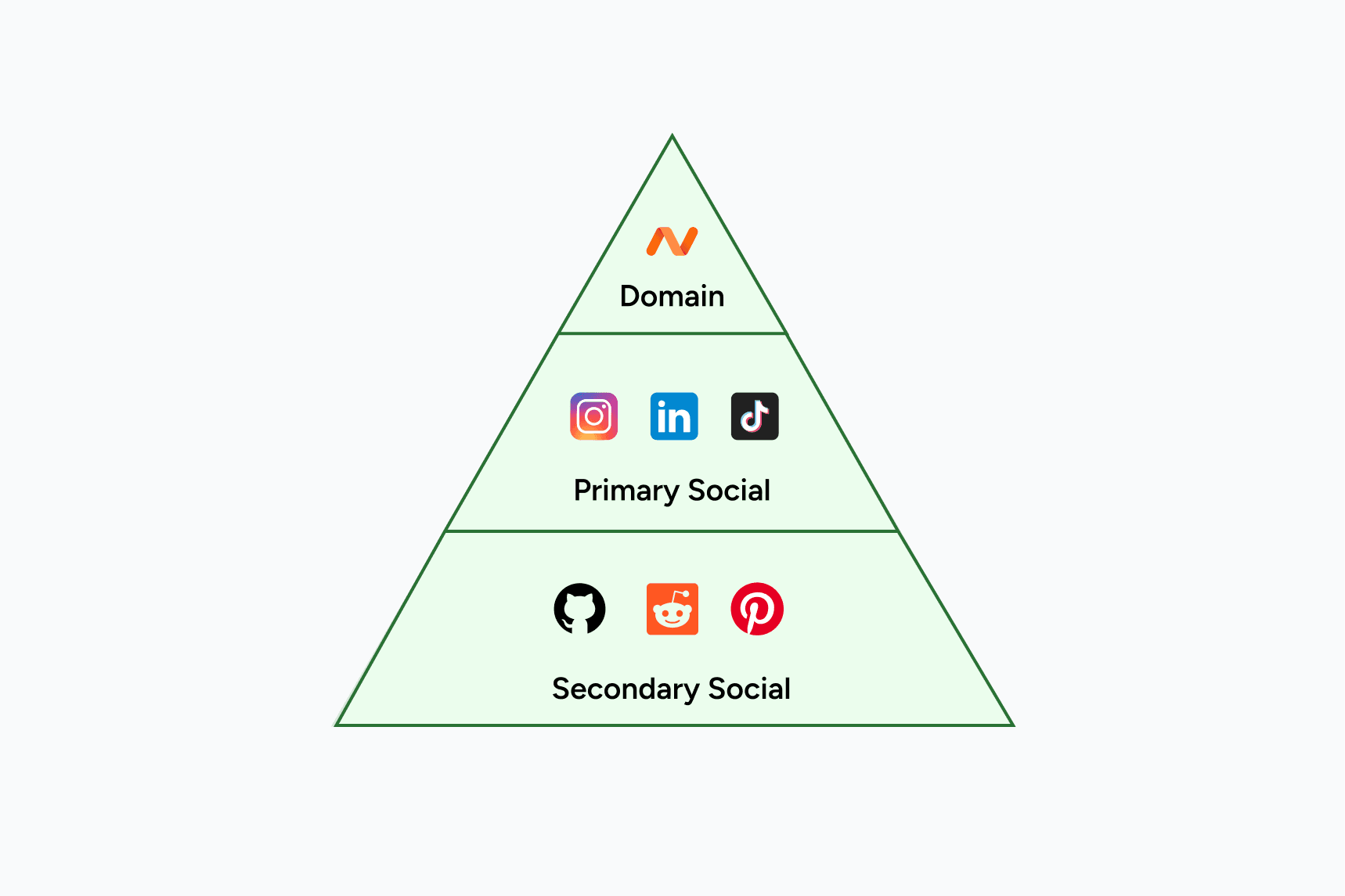
The first layer is domain names. The .com is the default users type. But .io, .co, .app, .ai, and country-code TLDs (.us, .co.uk, .ca) each have their own market and their own availability picture.
The second layer is primary social handles. Instagram, TikTok, LinkedIn, X (formerly Twitter), and YouTube. These are where customers will look when they hear the name and want to verify the brand exists. Inconsistency across these (like @brandnameofficial on Instagram and @getbrandname on TikTok) creates real customer confusion.
The third layer is secondary handles: GitHub, Reddit, Discord, Pinterest, Etsy if you sell products, Twitch if you stream, Substack if you write. These matter most for specific industries and for protecting the brand from squatters.
For most early-stage businesses, layers 1 and 2 are mandatory checks. Layer 3 is mandatory if your audience lives there and optional otherwise.
How to check domain availability
The best way to check domain availability isn't a single check. It's a pattern.
Start with the .com. Type the name into any registrar's search box. If the .com is available, the rest of your domain check is short. If it's taken, you have decisions to make.
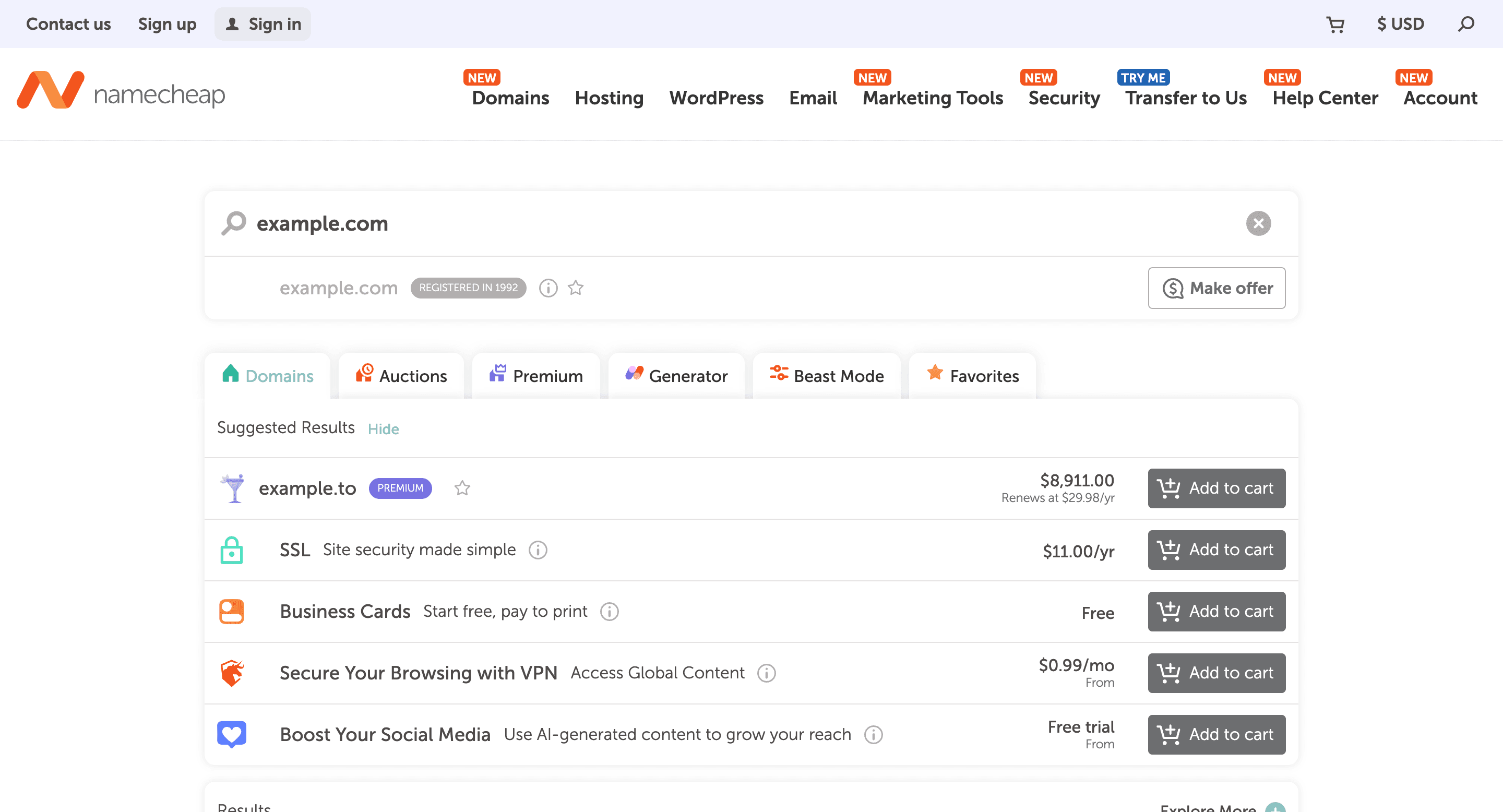
When the .com is available, register it immediately. Domains cost $10 to $15 a year, and the cost of letting someone else register it while you decide is much higher. While you're at it, check whether the related TLDs (.io, .co, .app) are also available. Even if you don't plan to use them now, registering them prevents brand confusion and competitor parking. Skip the country-code TLDs unless you specifically operate in that country, since they cost more and aren't necessary defensively.
When the .com is taken, you have three real options.
The first is to see who owns it. If it's a parked domain (just an ad page), you can sometimes buy it for $1,000 to $20,000 depending on demand. If it's an active business, that's a stronger signal you should pick a different name even if their business is in a different industry.
The second is to pick a different TLD. .io, .co, .app, and .ai have all become acceptable for tech companies. The downside is that customers who type the .com will land somewhere that isn't yours, which is a permanent traffic leak.
The third is to pick a different name. This is sometimes the right call, especially if the .com is owned by an active business in your space.
For the actual checks, NameClaim runs availability across 18+ TLDs in seconds. The alternative is checking each registrar (Namecheap, GoDaddy, Cloudflare, etc.) one at a time, which works but takes 10 to 15 minutes per name.
How to check social handle availability
Social handle checks are messier than domain checks because each platform has different rules.
Instagram is the most consequential. If your audience is consumer-facing or you sell physical products, the @yourname handle is part of the brand. Check it by visiting instagram.com/yourname directly. If it returns "Sorry, this page isn't available," the handle is free or temporarily inactive. If it returns a profile, it's taken.
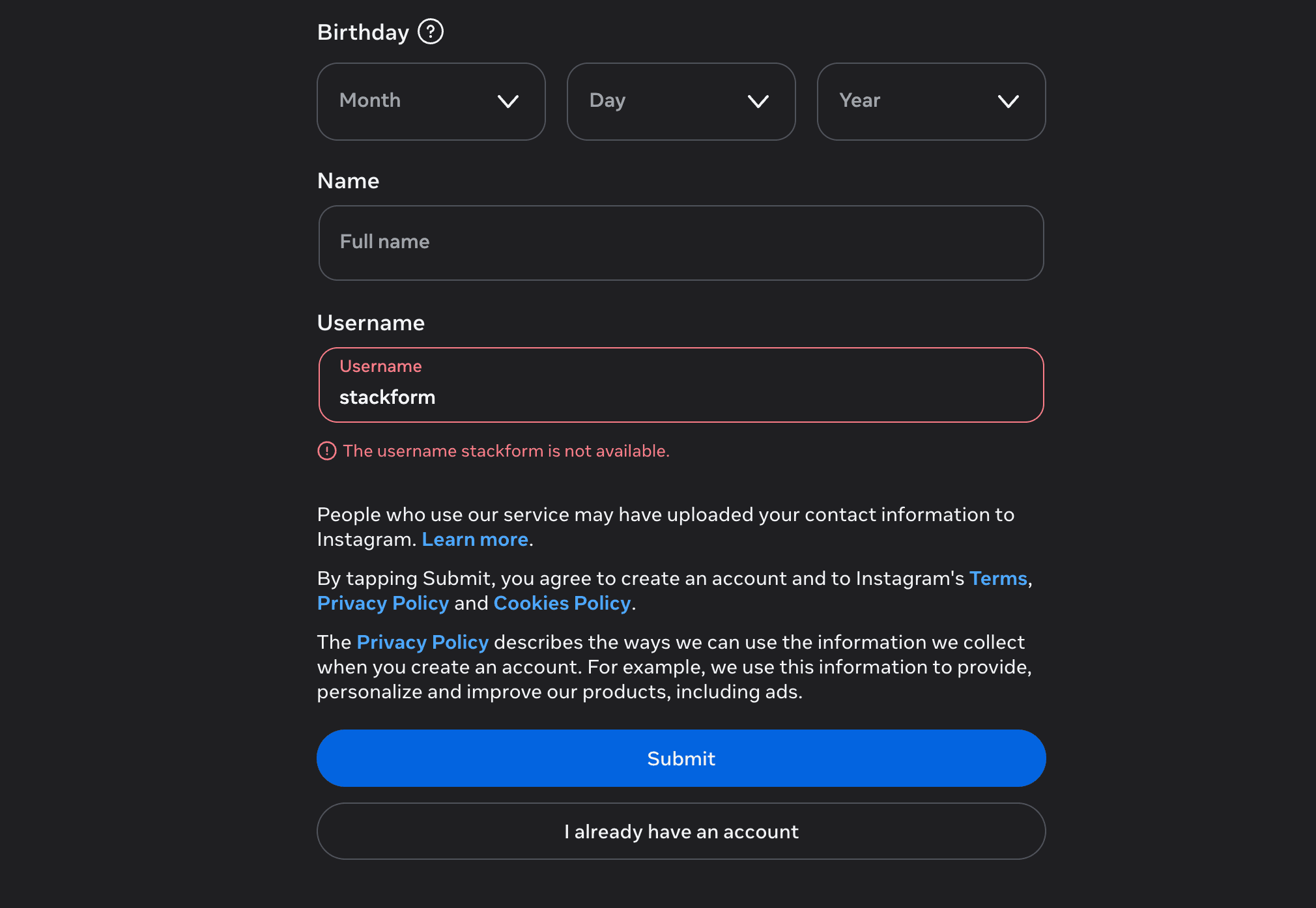
The trick on Instagram is that handles can be claimed and then abandoned. An Instagram handle from 2014 with zero posts and zero followers is technically taken, but if the account is verifiably abandoned, you can sometimes report it under Instagram's username policy and acquire it. This process is slow and not guaranteed.
TikTok has the same rough rules as Instagram. Visit tiktok.com/@yourname. Note that TikTok is more aggressive about enforcing trademark-based handle reclamation than Instagram, which can work in your favor if you have a registered trademark and someone else has the handle.
LinkedIn is different. Personal profiles use names, not handles. Company pages use a slug at linkedin.com/company/yourname, which generally needs to be unique but is much less crowded than Instagram. LinkedIn also requires a verified company before you can claim the page, so the slug isn't truly "taken" until someone has set up an active page.
X (Twitter) is in flux. Username inactivity policies have changed several times over the past few years. As of 2026, X enforces inactive username reclamation more aggressively than Instagram, but the process still requires either a paid account or a verified business reason to acquire an inactive handle.
YouTube uses channel handles (@yourname) that are checked at youtube.com/@yourname. Worth checking if video is part of your strategy.
For each platform, the pattern is the same: visit the URL with your candidate handle, see what loads.
NameClaim runs these checks in parallel across the major platforms, which saves time when you're comparing five candidate names.
Secondary handles worth checking
Depending on your industry, a few additional checks matter.
For developer tools and open source, check GitHub at github.com/yourname for an organization slug. GitHub names are notoriously taken (the platform is old and crowded), so be prepared to pick a variant.
For content businesses, check Substack (substack.com/@yourname), Medium (medium.com/@yourname), and YouTube. If you plan to write a newsletter, the Substack slug being free matters more than the .com being free.
For consumer brands, check Pinterest (pinterest.com/yourname) and Etsy if relevant. These aren't required, but they're cheap to claim and prevent later confusion.
For community-driven brands, check Reddit (reddit.com/user/yourname and reddit.com/r/yourname for subreddits) and Discord. Discord usernames are now broadly available because of a 2023 username system change, but custom server URLs and brand-related claimed names matter.
Don't go past these unless your specific audience demands it. Trying to claim every handle on every platform is a way to spend a weekend getting nothing done.
The tradeoffs when not everything is available
Almost no brand gets a perfect digital footprint. The question is which compromises are okay and which aren't.
| Compromise type | Example | Severity |
|---|---|---|
| Don't matter | Different country-code TLD | 🟢 Green |
| Don't matter | Secondary handle on irrelevant platform | 🟢 Green |
| Workable stopgap | .co or .app instead of .com | 🟡 Yellow |
| Workable stopgap | "_official" suffix on one platform | 🟡 Yellow |
| Actually hurts | Not owning the .com (consumer brand) | 🔴 Red |
| Actually hurts | Different handles on different platforms | 🔴 Red |
| Actually hurts | Competitor owns the matching handle | 🔴 Red |
Some compromises don't matter much. A different country-code TLD is fine; you probably don't need yourbrand.de. A secondary handle on a platform your audience doesn't use is fine too: if you're selling B2B SaaS, missing the @yourbrand handle on TikTok rarely matters. A slightly different format on one platform is also fine. @yourbrand on Instagram and yourbrand on LinkedIn (no @) is okay because customers don't notice this.
Other compromises actually hurt. Not owning the .com is the worst when your audience is general consumers, because they will type yourbrand.com and not find you. The traffic leak is permanent. Different handles on different major platforms hurt almost as much. @yourbrand on Instagram and @getyourbrand on TikTok forces customers to remember where to look, and some won't. The worst version is a handle your competitor owns. If a similar-named business has @yourbrand on Instagram and you're using @yourbrandhq, customers will message them by mistake.
A few compromises are workable as stopgaps. Using .co or .app instead of .com works for early-stage brands and tech audiences when you can't afford to buy the .com from a squatter, though it creates traffic leakage you'll want to fix eventually. A "_official" or "_co" suffix on a single platform is tolerable if every other handle is matched, ideally not permanent.
The way to evaluate a name candidate is to look at the full footprint, not just the .com. A name where the .com is taken but every social handle is free is a different decision than a name where the .com is free but Instagram is owned by an active competitor.
What actually matters most
For most early-stage businesses, the .com matters most. Customers default to typing it, and losing the .com is the biggest single source of long-term traffic leakage and customer confusion.
The Instagram handle matters second if your audience is consumer-facing. If your audience is B2B, swap LinkedIn into this slot. The other major social platforms (TikTok, X) matter third for B2C, and they should match the Instagram handle if at all possible. Secondary handles matter fourth: worth checking and claiming if free, not worth rebranding over.
A name that scores well on the first two layers and weakly on the rest is still a workable name. A name that scores weakly on the first two is worth replacing.
A faster way to check everything at once
The manual version of this check (visiting registrar pages, checking 5-7 social platforms, evaluating tradeoffs) takes 30 to 45 minutes per candidate name. For founders comparing 5 to 10 names, that's a full day of repetitive work.
NameClaim runs all three layers in one search. Domain availability across 18+ TLDs, social handle availability on Instagram, TikTok, and LinkedIn, and a unified result that flags green, yellow, or red on whether the name's digital footprint will hold together.
It's not a substitute for the careful evaluation of which compromises are okay. But it's a faster way to rule out names that have an obvious problem before you spend time on deeper analysis.
What to do with the results
Once you've checked a name, you'll have one of three outcomes.
If everything is available, register the .com immediately and claim the major social handles. The window between "I love this name" and "someone else registered the .com" is sometimes hours.
If most things are available with one or two exceptions, evaluate the exceptions specifically. Is the missing piece on a platform your audience uses? Is it owned by an active business or just parked? Decide whether to pick a different name or live with the gap.
If most things are taken, pick a different name. Or pick a small variation (different word order, different suffix, slight spelling change) and run the check again.
Every candidate name has tradeoffs. The point of the systematic check is to make sure the name you pick has a digital footprint you can actually live with.